

Shoot by ReHub
Capture a listing yourself, on the phone you already carry.
Shoot is for the visits that suit an in-house set. Photograph the property, capture a 360 tour or collect a floor plan, then send the originals into ReHub. Book a Photoplan photographer when the listing needs a specialist.
What you can capture on the visit
Photographs, room by room
Work through the front, hallway, living spaces, kitchen, bedrooms, bathrooms and garden. Take the photo in Shoot, or choose one already on the phone. Originals upload to the property in ReHub.
360 tours
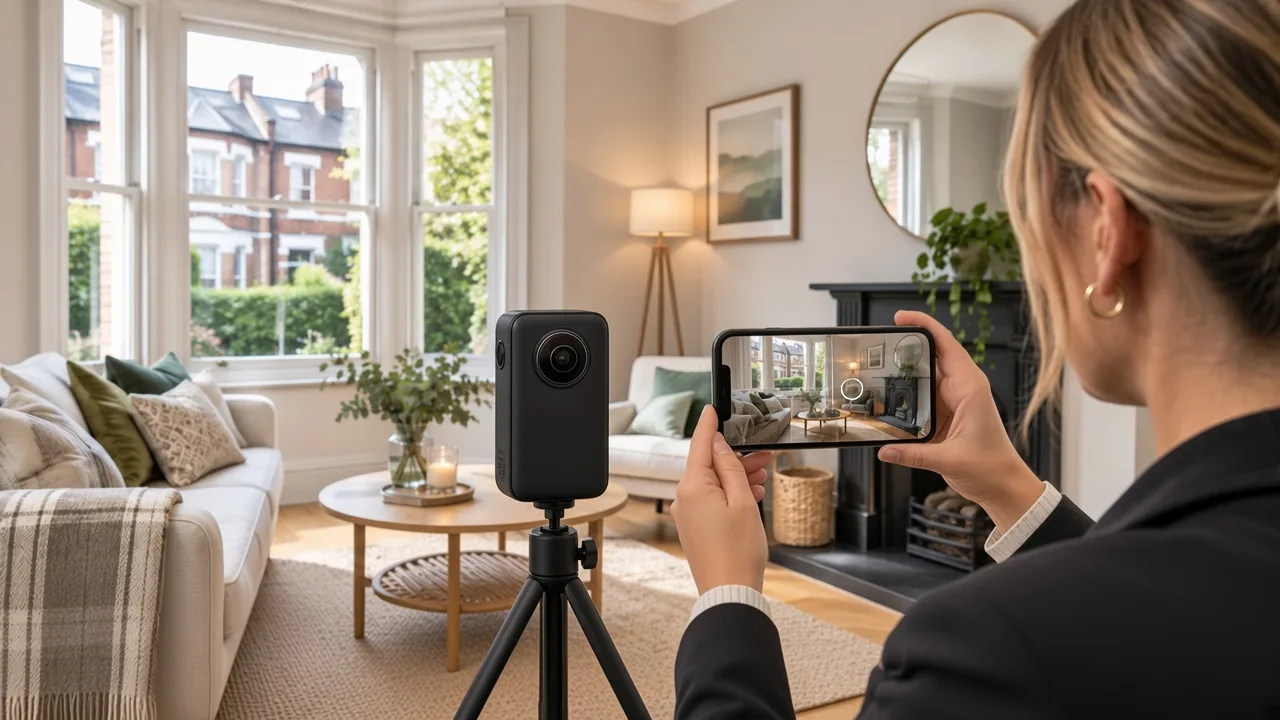
Stand in one spot and follow the dots around the walls. Each shot takes itself when the phone is still, and the ceiling and floor are filled in. A 2:1 photo from a 360 camera can be imported for the same room, then the tour opens in 360 Tours.
Floor plan capture
Name the floors and rooms, walk a scan, and add photographs, measurements and notes. Submit the capture and a floor plan is drawn from what you sent. It comes back in Shoot for preview, download and changes.
Free to open. Credits are for AI processing.
Create a ReHub account or sign in with the one you already use. Photographing, capturing a 360 panorama and uploading a floor-plan visit do not use credits. Credits are used when you run a tool such as PhotoClear or Virtual Staging. New accounts start with 10 credits. Credits are valid for 12 months from purchase.
Current processing costs are on the ReHub Studio pricing page. Publishing a 360 tour continues in 360 Tours.
On the phone you already use
Shoot is a mobile web app. On iPhone, open it in Safari and add it to the Home Screen. On Android, open it in Chrome and install it. There is no separate App Store or Google Play listing.
Open the install steps