
AI Virtual Staging Explained — How It Works and When to Use It
AI virtual staging adds furniture and décor to empty property photographs instantly. This guide explains how the technology works, how it compares to human-edited staging, when each approach is the right choice, and what ASA labelling rules mean for estate agents using digitally staged images.

Key Takeaways
- AI virtual staging generates furnished room images from empty photographs in seconds using machine learning.
- Human-edited virtual staging gives designers precise control over style, scale and placement.
- Both approaches must be labelled as digitally staged in property listings under ASA guidelines.
- ReHub Virtual Staging Studio gives estate agents instant AI-staged results at low cost per image.
- Photoplan's managed staging service suits high-value instructions where precision and brand consistency matter.
- The best workflow combines professional photography with the right staging tier for the property and instruction.
An empty room is one of the hardest things to sell. Buyers struggle to gauge scale without furniture as a reference point. They cannot visualise how the space would feel to live in. And photographs of bare rooms — however well lit and composed — rarely generate the emotional response that drives enquiries. Virtual staging solves this problem by adding furnished interiors digitally, and AI has made the process faster and more accessible than ever.
Ready to transform your property marketing with AI?
Book a Photoplan photoshoot or explore ReHub Studio — AI virtual staging, HDR editing, twilight conversion and property video, all connected in one workflow.
What AI virtual staging actually does
AI virtual staging takes an empty room photograph and uses machine learning to analyse it — identifying the floor surface, wall planes, ceiling height, window positions and lighting conditions. The system then renders furniture and soft furnishings in correct perspective, with lighting that matches the original photograph, and composites the result into the image.
The output is a convincing furnished room photograph produced without any physical furniture, any designer time, or any extended turnaround. Where a human-edited staging job might take several hours, an AI system produces a result in seconds.
ReHub Virtual Staging Studio applies this approach to property photographs, allowing estate agents to upload empty room images and receive staged results quickly, at a low per-image cost. The workflow is designed to fit into an existing listing preparation process — photographs arrive from a Photoplan shoot, staging is applied through ReHub, and the final images are ready for portal upload without any design agency involvement.
How AI staging compares to human-edited virtual staging
The distinction between AI staging and human-edited staging is not simply speed versus quality — it is about the level of control applied to the output.
AI virtual staging:
- Analyses the room and selects furniture automatically based on style and room type choices you make before processing
- Produces results in seconds with no designer time
- Works well for standard room types — living rooms, bedrooms, kitchens, dining rooms
- May produce occasional perspective or scale errors in rooms with unusual geometry, low ceilings or complex layouts
- Is the practical choice for high-volume staging needs across a portfolio of unfurnished properties
Human-edited virtual staging:
- Involves a professional designer selecting specific furniture pieces, adjusting scale precisely, and placing items to flatter the room's proportions
- Allows brand-consistent styling — matching a developer's preferred aesthetic or an agent's house style
- Produces a more reliable result in challenging rooms: L-shaped spaces, rooms with beams, properties with architectural features that automated systems handle inconsistently
- Takes longer and costs more per image, but delivers greater control and precision
For most residential instructions in the standard to mid-market, AI staging is entirely appropriate. For prime properties, new-build developer marketing or any instruction where brand consistency matters, human-edited staging or the Photoplan managed staging service is a better fit.
ASA labelling rules for virtually staged images
Both AI-staged and human-edited staged images must be labelled as digitally staged in any property marketing. This is not optional — it is a requirement under ASA advertising standards and aligns with consumer protection law obligations around misleading property descriptions.
In practice this means:
- Images uploaded to Rightmove, Zoopla or OnTheMarket should carry a visible label identifying them as "virtually staged" or "digitally staged"
- The label should appear in the image caption, overlaid on the image itself, or in a clear note accompanying the listing
- Images must not present the furnished version as representing the actual current state of the property
This rule applies equally whether the staging was done by a designer or an AI system. The labelling requirement is about transparency to buyers, not about the method of production.
For broader context on ASA compliance and property photography standards, our estate agent photography standards guide covers the full picture.
When AI staging is the right choice
AI virtual staging through ReHub Virtual Staging Studio works well when:
- The property is being marketed from unfurnished and the budget does not justify physical staging
- The agent needs staged images quickly — same day or overnight — to meet a listing deadline
- The portfolio includes multiple empty properties and the per-image cost of managed staging would be prohibitive
- The property is in the standard to mid-market price band where AI results meet buyer expectations
When human-edited or physical staging is worth the investment
The managed Photoplan staging service — or physical staging — is the better choice when:
- The property is prime or luxury, where buyers and their agents scrutinise images carefully and expect a higher standard of presentation
- A developer or vendor has a specific brand aesthetic that must be reflected in the staged images
- The rooms have unusual geometry, complex architectural features or very low ceilings that challenge automated staging systems
- The instruction is competitive and a marginal improvement in presentation quality could be the difference between winning the listing and losing it
Combining virtual staging with the full Photoplan workflow
Virtual staging performs best when applied to high-quality source photographs. An AI staging system cannot compensate for poorly lit, dark or distorted room images — it adds furniture, but it cannot fix the underlying photograph.
The strongest workflow is:
- A Photoplan property photography shoot with full HDR editing
- AI staging applied through ReHub Virtual Staging Studio to any unfurnished rooms
- A measured floor plan from the same visit, so buyers can relate the furnished photographs to the layout
- Optional: an AI property video or HyperDusk twilight conversion to complete the listing package
This is the connected workflow ReHub Studio is built around — each tool feeding into the next, from the photoshoot through to portal-ready assets.
For more context on virtual staging, see our blog post on what virtual staging is and how it works and our comparison of the best virtual staging companies.
The difference virtual staging makes to an empty listing
Unfurnished properties consistently generate fewer enquiries than equivalent furnished properties. Buyers looking at an empty room face a cognitive task — they must mentally furnish the space and assess whether it works for them — rather than experiencing the room as a home. Staged images remove that friction and give buyers a positive emotional anchor.
The choice between AI staging and managed staging is a question of how much precision matters for a given instruction, not a question of whether staging is worth doing at all. For the vast majority of unfurnished properties, ReHub Virtual Staging Studio delivers results that meaningfully improve listing presentation at a cost that makes commercial sense.
Explore the full ReHub AI property marketing platform or browse all Photoplan guides for more on property marketing and listing performance.
Ready to transform your property marketing with AI?
Book a Photoplan photoshoot or explore ReHub Studio — AI virtual staging, HDR editing, twilight conversion and property video, all connected in one workflow.
- #virtual staging
- #AI virtual staging
- #property marketing
- #estate agent tools
- #ReHub Studio
- #property photography
Frequently Asked Questions

The Photoplan Team
Property Media Specialists
The Photoplan team produces property photography, floor plans, tours, video and CGI that help estate agents, developers and commercial clients market property beautifully.
Ready to transform your property marketing with AI?
Book a Photoplan photoshoot or explore ReHub Studio — AI virtual staging, HDR editing, twilight conversion and property video, all connected in one workflow.
Estate agents book through the app · One-off customers order in the shop · or contact us
Related Articles

AI Image Enhancement Explained — HDR Photo, PhotoEdit and PhotoClear
HDR Photo, PhotoEdit and PhotoClear are three AI-powered image enhancement tools in the ReHub Studio suite. This guide explains what each one does, when to use it, how it improves listing photography, and how the three tools work together as a connected workflow for estate agents and property photographers.
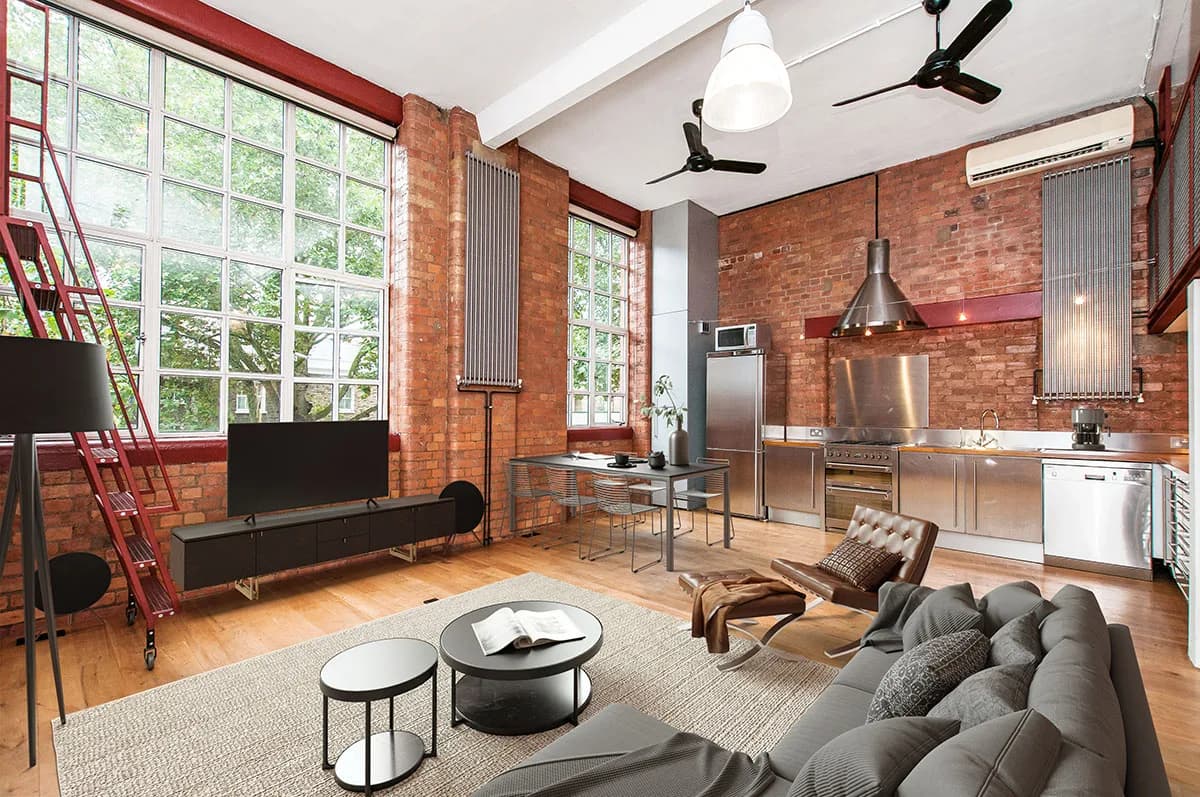
The Complete AI Property Marketing Guide — From Photoshoot to Portal
Estate agents now have access to a connected AI workflow that takes a property from photoshoot through to portal-ready listing assets in a single pipeline. This guide explains each stage — photo, declutter, stage, edit, video, twilight — and how ReHub Studio connects them.
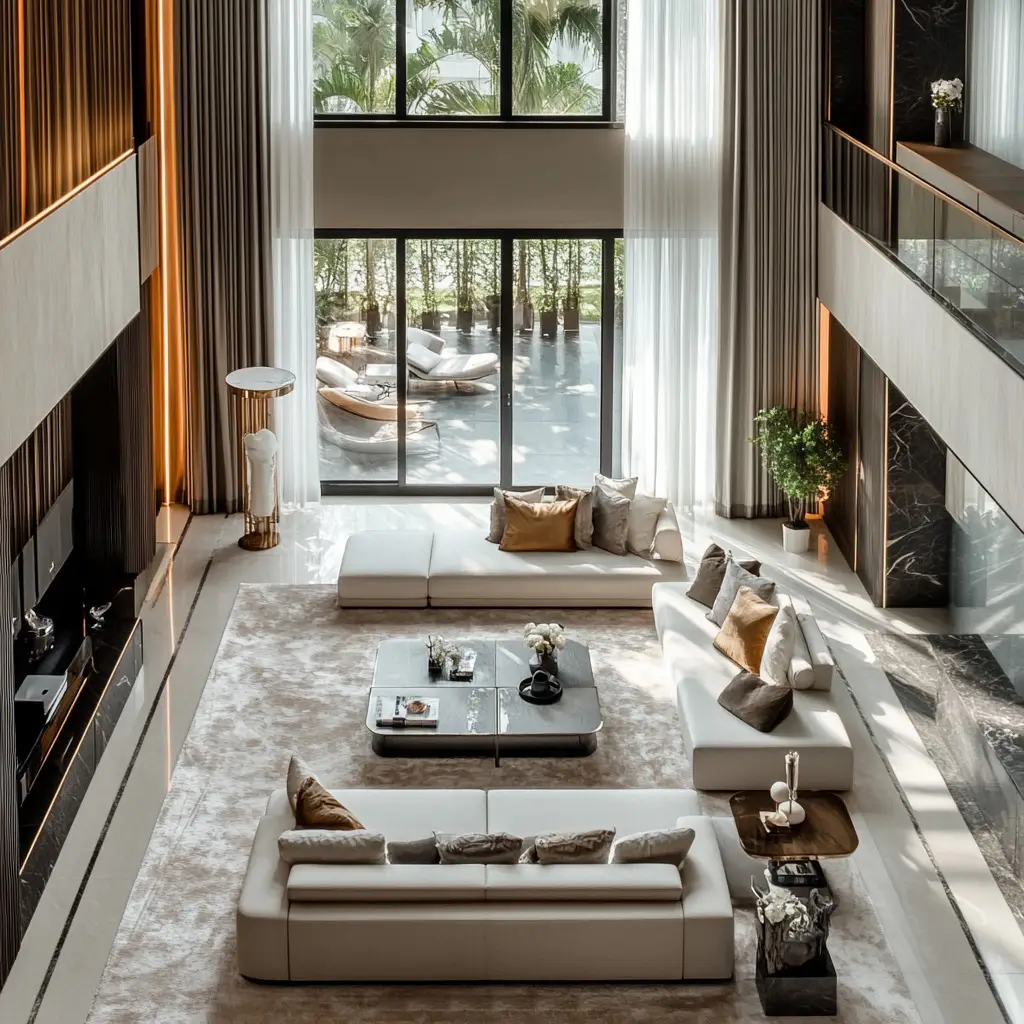
AI Property Videos Explained — How They Work and When to Use Them
AI property videos turn listing photographs into short cinematic walkthrough videos without any filming. This guide explains how the technology works, how ImageMotion compares to a traditional videographer, what portals and social media platforms support property video, and when each approach is the right choice.