
DIY Property Photography: A Practical Guide for Estate Agents
Thinking of photographing your own property listings? Explore practical tips, the benefits of an in-house approach and how Shoot by ReHub can help.
Key Takeaways
- DIY photography is an option for some listings, alongside professional photography for others.
- A useful photo shows the room's layout clearly, with the space prepared and the camera held level.
- Review the set before leaving so missing rooms and distractions can be fixed on site.
- Shoot by ReHub is free with a ReHub account. Credits are used when AI processing is run.
- High-value, complex or specialist listings still benefit from a professional photographer.

Property photography is often the first way a potential buyer experiences a home. Before they read the full description or arrange a viewing, they are looking at the images. Those photos need to help people understand the space, notice its best features and decide whether the property is worth exploring further.
For many estate agents, using a professional photographer is the right choice. It can help create a consistent, polished presentation and free the team to focus on clients and viewings. But there are also times when agents want to take more control themselves, whether that means photographing some listings in-house, adding images quickly or managing costs.
At Photoplan, we work with property businesses on photography and marketing materials. We know that different properties, teams and budgets call for different approaches. This guide looks at what's involved in taking property photos yourself, how to get better results with a phone and where Shoot by ReHub fits into an in-house workflow.
Why photograph a property yourself?
Taking photos in-house can give an agency more control over timing and the capture process. If a team has a busy schedule, being able to photograph a property during a visit may help get the listing moving sooner.
It can also be useful for smaller agencies, independent agents or teams that want to handle some everyday listings themselves. For agencies photographing a regular flow of properties, reducing the number of external photography bookings may also reduce costs. The potential saving will depend on listing volume, current photography spend and the time staff can devote to each shoot.
DIY photography doesn't need to be an all-or-nothing decision. An agency might take its own images for some properties and book a professional photographer for others. The important thing is choosing the approach that suits the property and the expectations for its marketing.
What makes a useful property photo?
A good property photo helps a viewer understand the room. It shows the layout clearly, makes the space feel welcoming and includes the details that matter. That takes more than pointing a phone at the room and pressing the shutter.
Before taking photos, think about what the viewer needs to see. A living room image should give a sense of how the space is arranged. A kitchen photo should show the worktops, storage and overall layout. Bedrooms should feel clear and uncluttered, while outdoor images should show the garden or setting in a way that helps people understand it.
The aim is not to make every property look identical. It is to show each home clearly and honestly, while making the most of its best features.
Practical tips for taking property photos on a phone
Prepare the room first
Small changes can make a noticeable difference. Straighten cushions, clear unnecessary items from surfaces and move anything that distracts from the room. Open curtains or blinds to bring in natural light, and check the room from the angle you plan to photograph it.
It helps to take a moment before shooting to decide what should be in the frame. Look for objects that block the view or make the room feel busier than it is. A quick tidy can save time later and usually looks more natural than trying to correct everything during editing.
Keep the camera steady and level
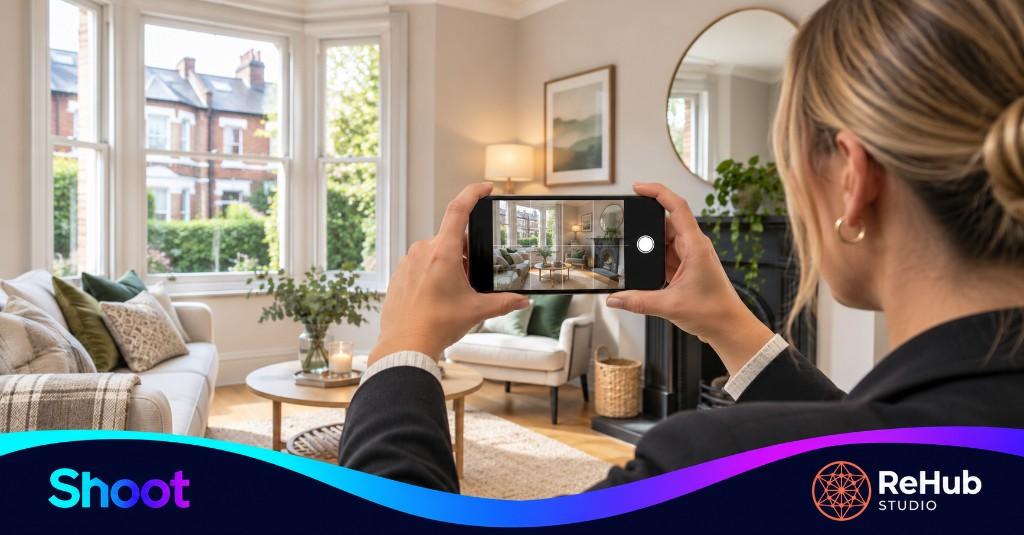
A clean lens and steady hands are basic but useful starting points. Hold the phone in landscape orientation for most room photos, and use the grid on the screen to help keep vertical lines straight. Try to hold the camera around chest height rather than pointing sharply down or up.
Avoid leaning the phone too far to one side. If walls and doorframes appear to tilt, a room can look distorted. Take a few seconds to check the framing before you capture the image.
Make good use of available light
Natural light can help a room feel bright and inviting. Where possible, photograph when there is enough daylight to show the space clearly. Be mindful of strong sunlight, which can create harsh shadows or very bright windows alongside dark interiors.
Room lights can help, but different bulbs can give off different colours. Check the image on your phone after taking it. If the room looks too yellow, too dark or unevenly lit, try another angle or adjust the lighting before moving on.
Show the layout, not just the details
A property listing needs a useful range of images. Include an image that explains the layout of each important room, then add closer views where a feature deserves attention. A beautiful fireplace, a newly fitted kitchen or a useful storage area may be worth highlighting, but details should support the overall set rather than replace it.
Try to avoid taking several images that show almost the same view. A carefully chosen set can give viewers a clearer picture of the home without overwhelming them.
Review your photos before you leave
Look through the images while you are still at the property. Check that each room is represented, that key features are visible and that there are no accidental reflections, clutter or distracting objects. If something important is missing, it is easier to take another photo before you leave than to arrange another visit.
How Shoot by ReHub supports an in-house workflow
Shoot is a mobile photography app for estate agents who want to take their own property photos. It offers simple capture guidance, lets agents upload original images directly to ReHub and provides a way to start AI editing while still on site.
The idea is to make the steps from taking a photo to working on the image more direct. Instead of capturing images on a phone and later working out how to transfer them into an editing workflow, agents can upload the originals to ReHub and continue from there.
Shoot is free to use with a ReHub account. Credits are used when AI processing is run, so agents can capture and upload photos before deciding which editing tools they want to use.
As with any editing workflow, the aim should be to improve presentation while keeping the images representative of the property. Photos should help a viewer understand the home, not create a misleading impression of its size, condition or features.
When is a professional photographer the better option?
Some properties benefit from a more specialist approach. A high-value home, a large or architecturally complex property, or a listing where presentation is especially important may need the experience and equipment of a professional photographer.
Professional services can also be useful when a listing needs more than still images. Depending on the property and the campaign, an agency might need a floor plan, a 360° tour, drone photography or video. These deliverables can help viewers understand a property and its layout in different ways.
Time is another factor. If a team is already managing viewings, valuations and new instructions, taking every photo themselves may put pressure on the day. Using an external photographer can give staff more time for other parts of the sale or let them concentrate on preparing the listing.
A flexible approach to property marketing
DIY photography and professional photography can work alongside each other. An agency might use Shoot when it wants to capture images itself, then bring in Photoplan for a property that needs a broader set of marketing materials or a more specialist shoot.
The right choice depends on the property, the team and the purpose of the listing. For some homes, a phone-based workflow may be a practical way to get started. For others, a professional shoot or additional media will be the better fit.
The key is having options—and choosing the approach that gives each property the most useful, accurate presentation.
Want to take more control of your property photography? Explore Shoot by ReHub.
Frequently Asked Questions

The Photoplan Team
Property Media Specialists
The Photoplan team produces property photography, floor plans, tours, video and CGI that help estate agents, developers and commercial clients market property beautifully.
Need a professional shoot for the properties that call for it?
Photoplan photographs homes nationwide — stills, floor plans, 360 tours, drone and video — so you can handle everyday listings in-house and book a specialist visit when the property needs it.
Estate agents book through the app · One-off customers order in the shop · or contact us
Related Articles
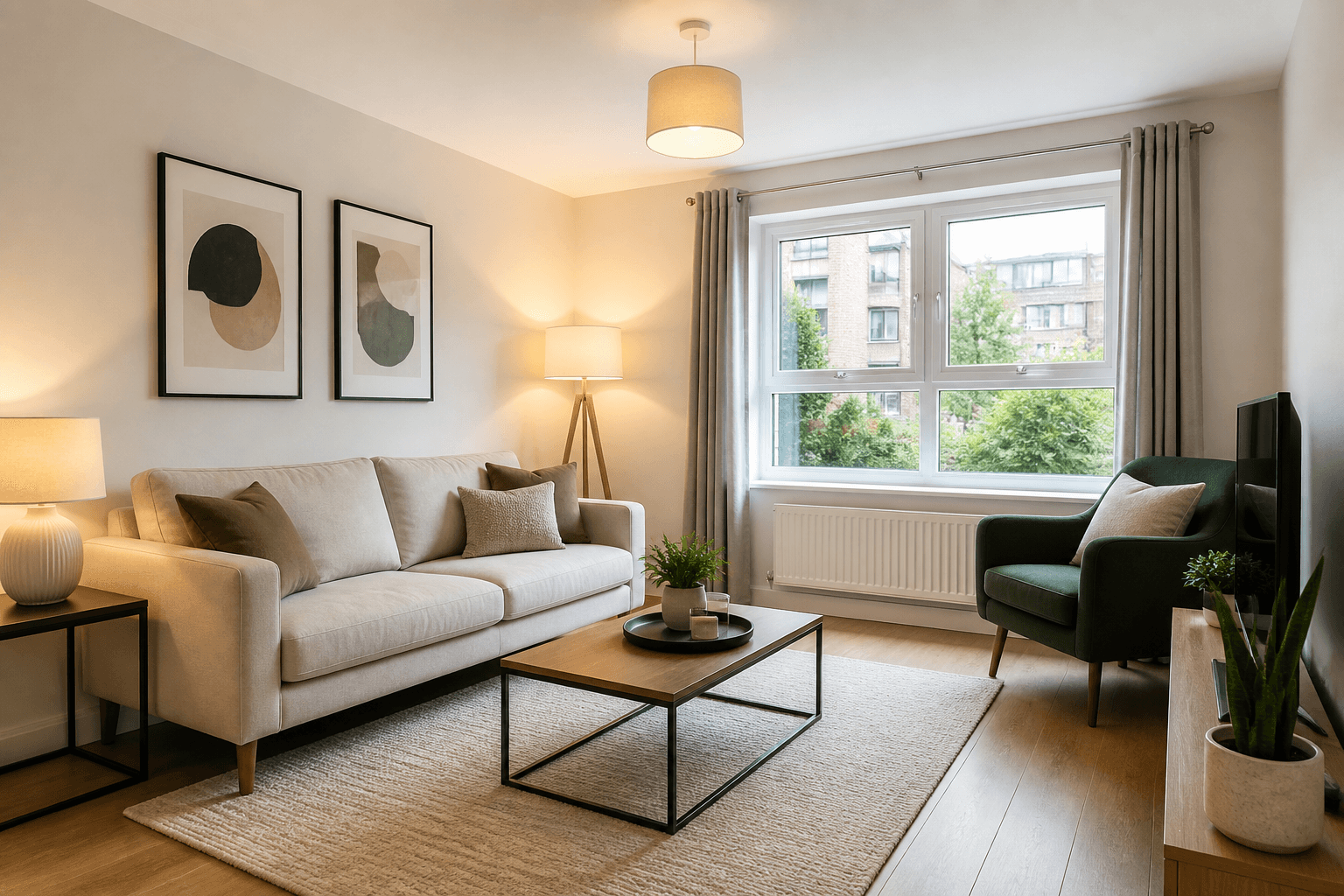
Lettings Photography Standards: What Tenants Swipe Past
Tenants decide in a thumb scroll. Here is a practical photography standard for UK lettings — lighter than sales where it should be, never sloppy.
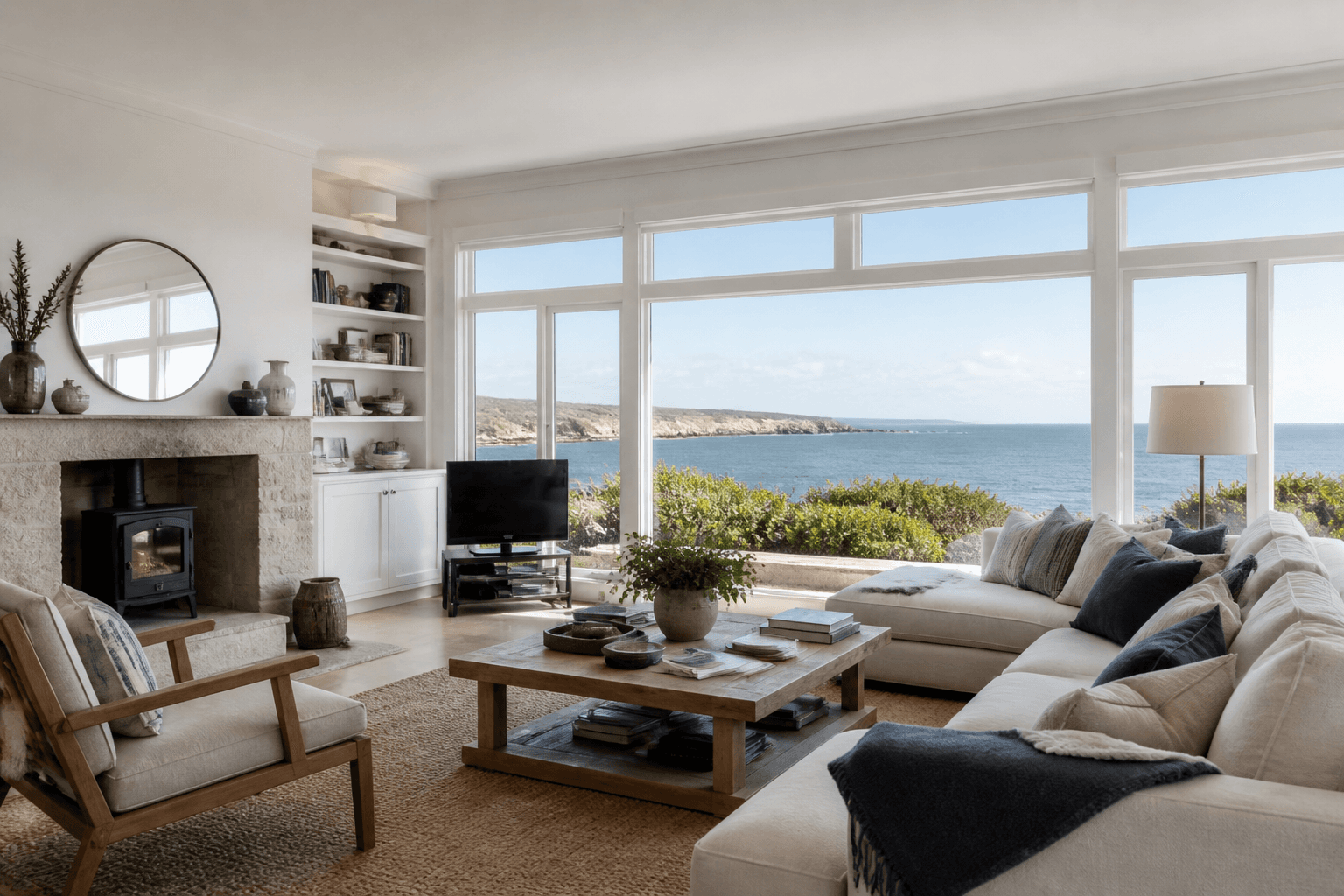
Coastal and Waterside Property Photography: Selling Location Honestly
When the view is the product, average interiors are not enough — and exaggerated views are worse. Here is how to photograph coastal and waterside homes with impact and integrity.
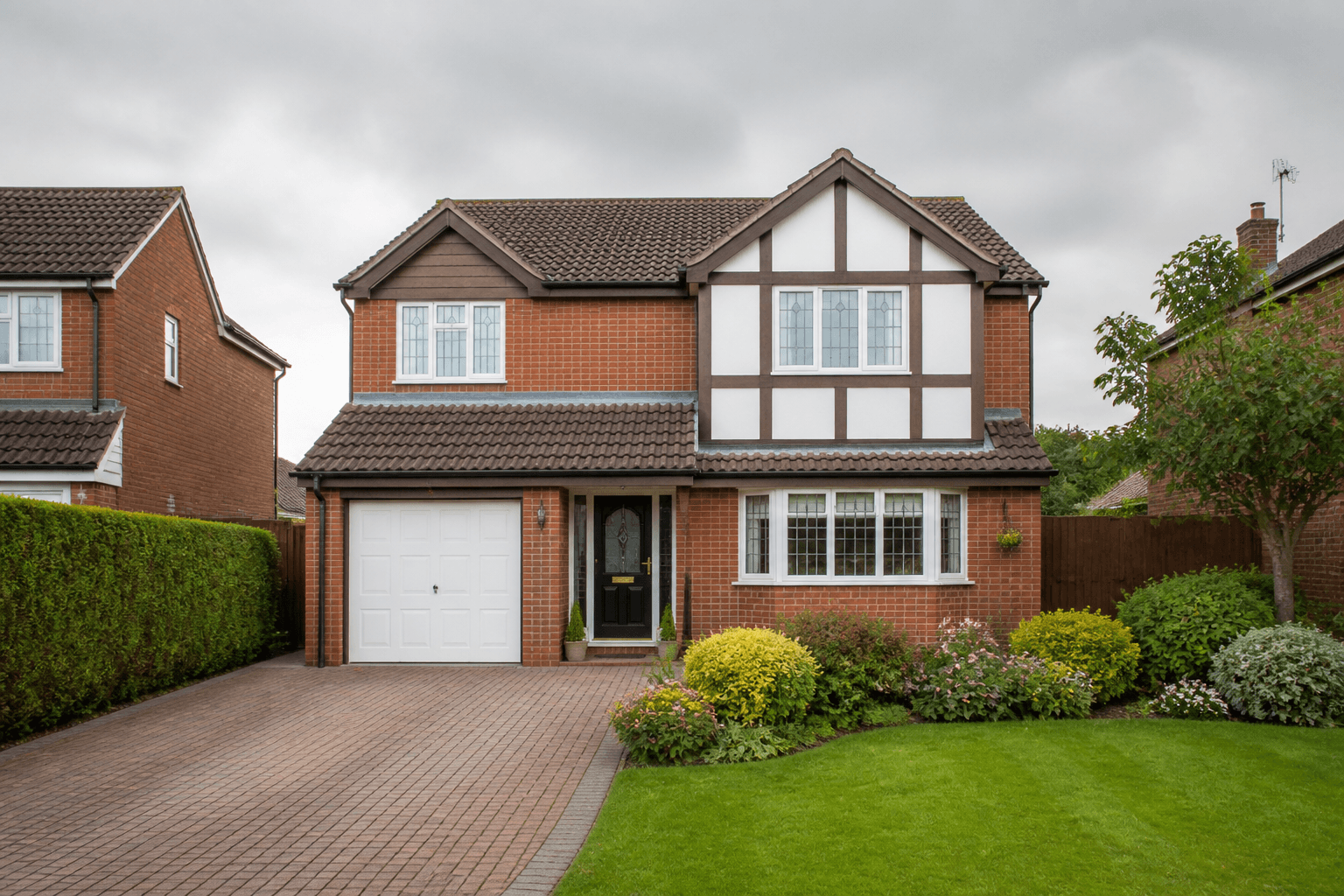
Bad Weather Exterior Shoots: What Estate Agents Should Do
Rain, wind and grey light wreck kerb-appeal photos — and diaries rarely wait for blue sky. Here is a practical playbook for agents when the weather turns.